Text to image
Type a prompt, pick a model and a size, and the picture renders on your GPU.
Describe what you want to see and Nook renders it on your card with open models: FLUX, Qwen-Image and Z-Image Turbo. No account, no credits, no queue, and the picture never leaves your PC.
Windows 11 · NVIDIA 8 GB or more recommended · No account, no cloud, no upload
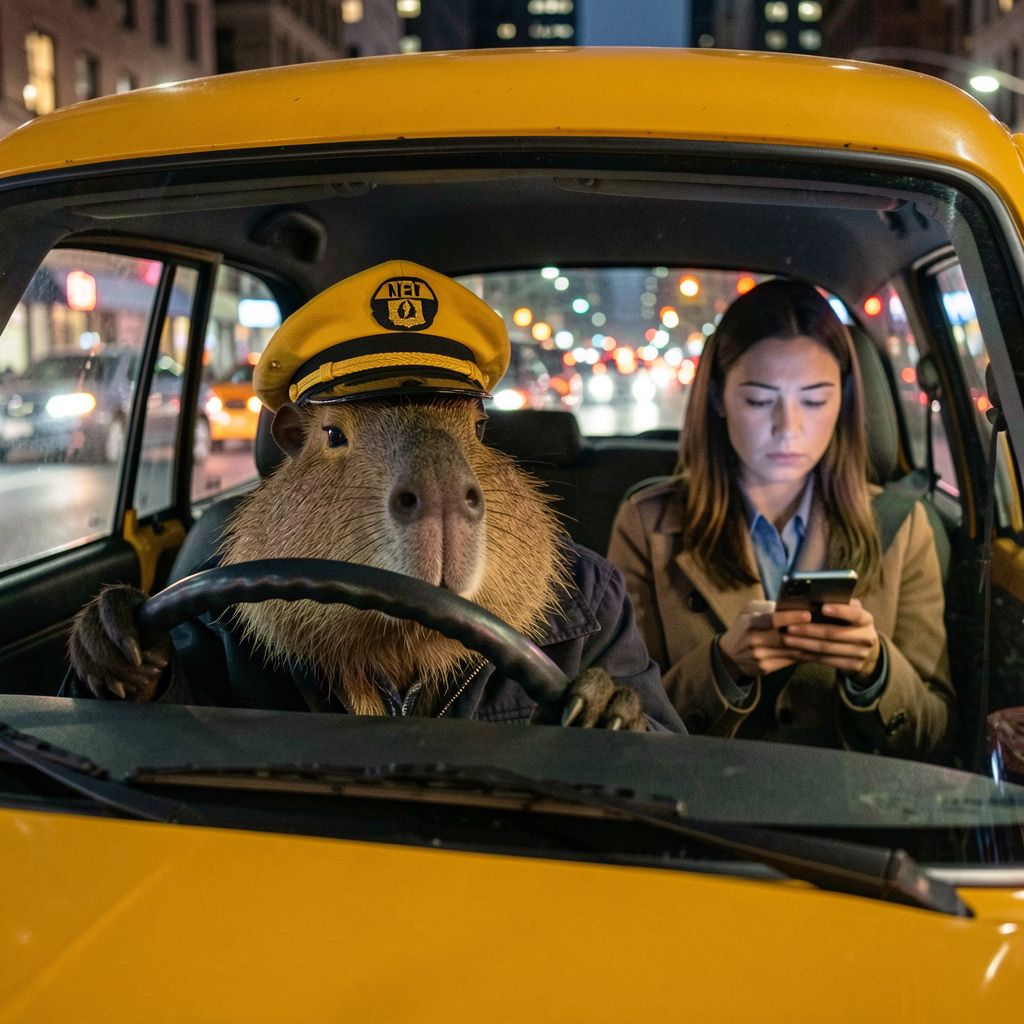
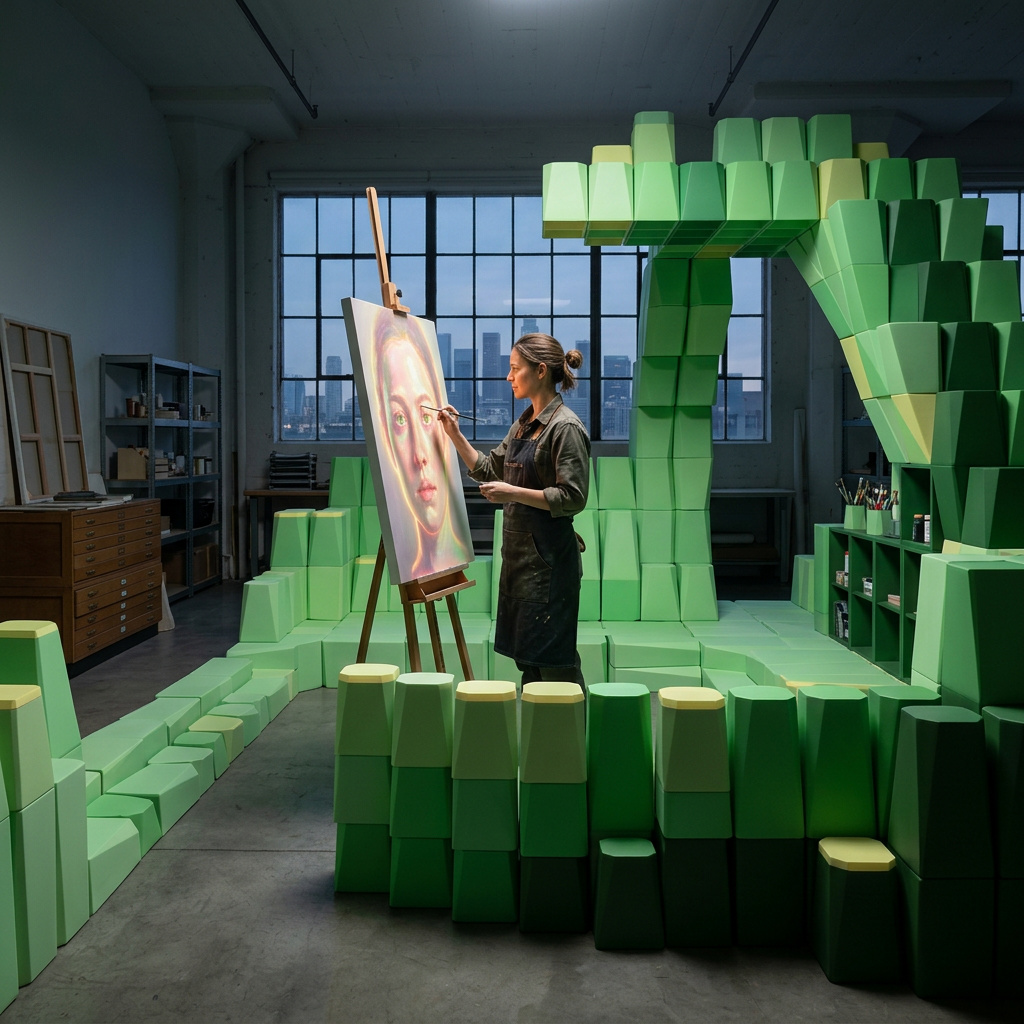
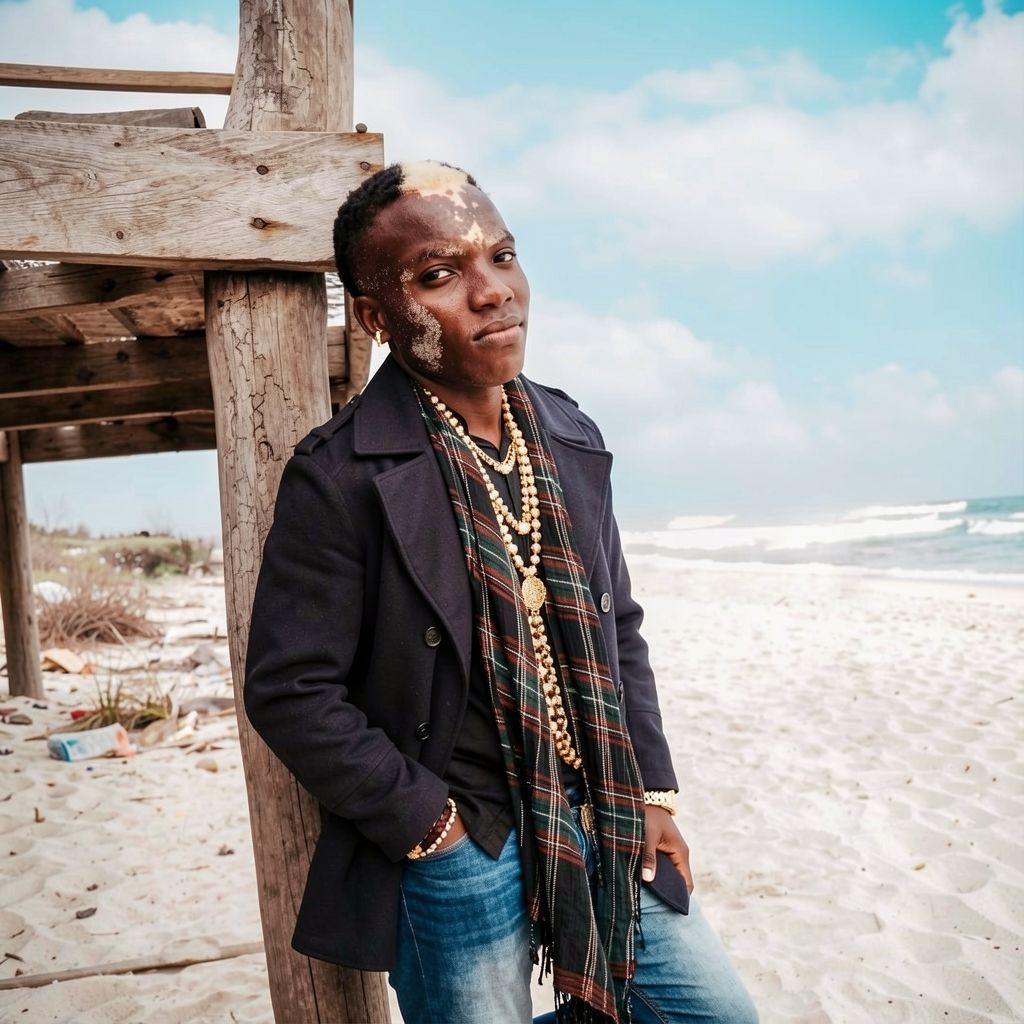
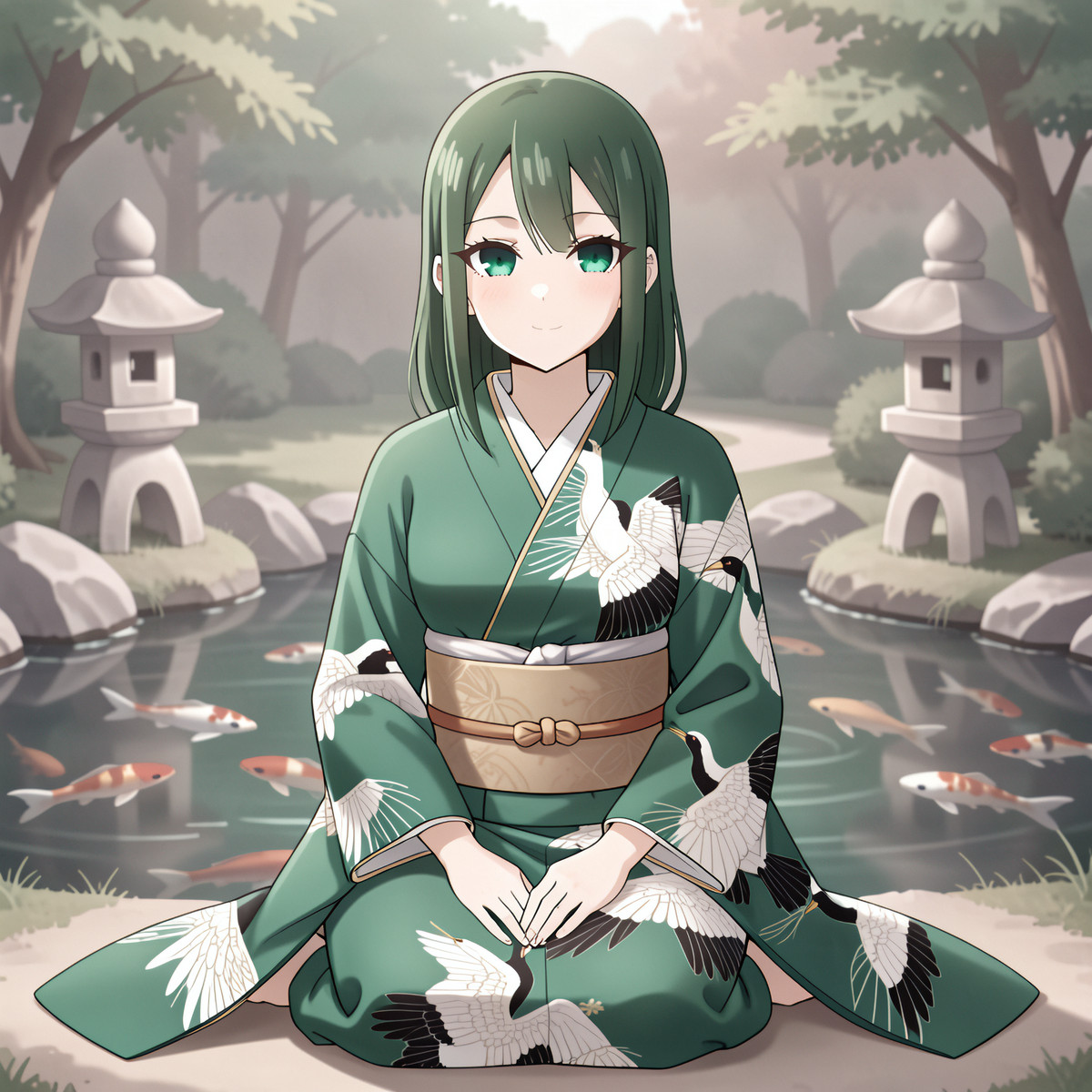
Photographs, portraits, anime and scenes that never happened. Keep the seed, change a word, render again.
Type a prompt, pick a model and a size, and the picture renders on your GPU.
No credits to spend and no queue to wait in, so render ten versions and keep the one you like.
Pictures are saved in folders you can open, and Home keeps the week: what you made, which model made it and how long your card spent on it.
Nook starts with a curated set and checks each model against your card's memory before you download it. Each model carries its own licence; FLUX.1 dev's, for one, limits commercial use, so read it before you sell what you make.
Photographic detail and close prompt following.
Detailed scenes and illustration, and good at lettering inside the picture.
Few steps, fast renders, for when you want to try many ideas quickly.
| Graphics card | Pictures |
|---|---|
| 8 GB | 1024 × 1024 with Qwen-Image or FLUX, a minute or two per picture. |
| 16 GB and up | Bigger models and sharper 2K pictures. A 24 GB card renders several times faster than an 8 GB one. |
Yes. Nook runs FLUX and Qwen-Image at 1024 × 1024 on an 8 GB NVIDIA card, at a minute or two per picture. A card with more memory is several times faster and goes to 2K and beyond.
Yes. There is no account, and your prompts and pictures are never uploaded. The model runs on your GPU, and the result is saved under your user profile, in folders you can open.
Only to download a model. After that Nook makes pictures offline.
That depends on the model's licence, not on Nook. Some open models allow commercial use; FLUX.1 dev's licence limits it. Check the licence of the model you render with.
Yes, through Vulkan. An NVIDIA card is recommended for speed, and Nook starts without a GPU at all, just slowly.
One app for the AI you run at home: a coding agent, pictures, video, and speech to text with Whisper. All of it on your GPU.
A Windows desktop app: one download, no account, no admin rights, and it keeps itself up to date.